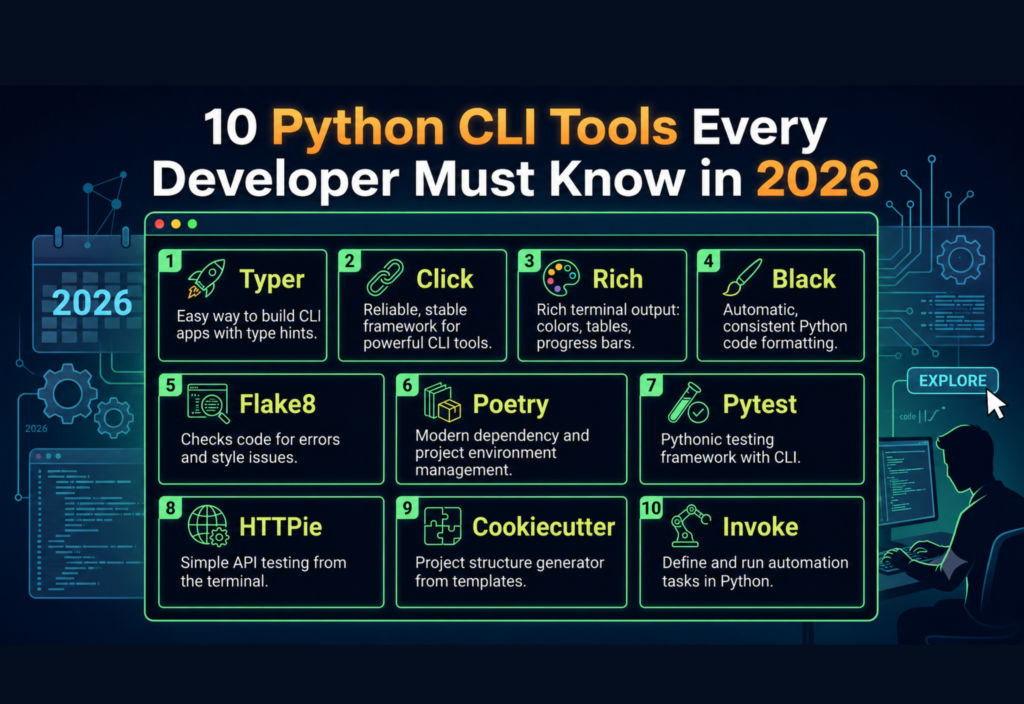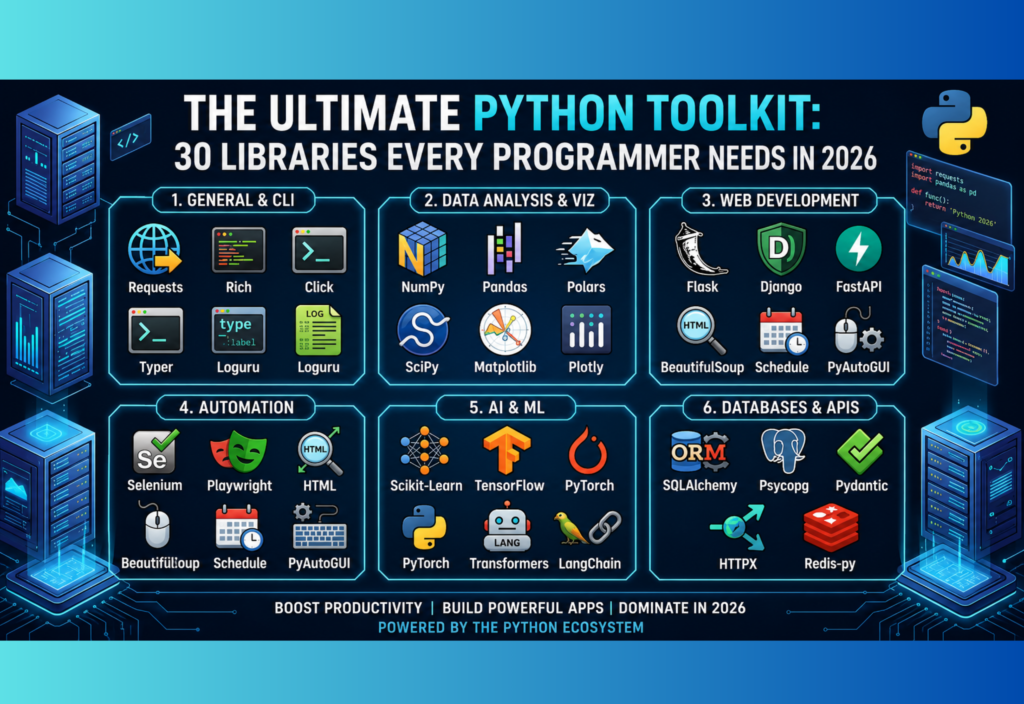
Python Libraries for Clean Code can completely change the way you write and maintain Python projects. Instead of spending hours fixing formatting issues, organizing imports, or removing repetitive code, you can use the right libraries to automate these tasks. Whether you are building automation scripts, web applications, data science projects, or AI tools, these libraries help you create cleaner, more readable, and professional code.If you want to explore even more useful Python packages, check out our The Ultimate Python Toolkit: 30 Libraries Every Programmer Needs for a comprehensive collection of essential libraries for every Python developer.
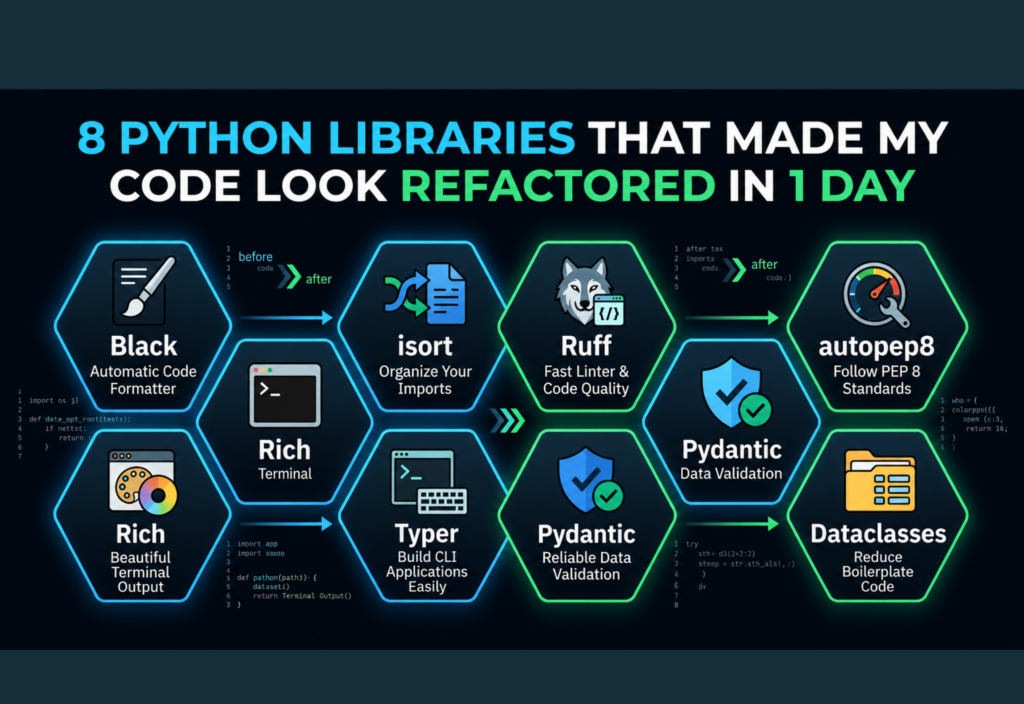
In this article, you’ll discover eight powerful Python libraries that can make your code look well-refactored in just one day.
Why Python Libraries for Clean Code Matter
Writing code that works is only the first step. Professional developers also focus on readability, maintainability, and consistency. As projects grow, messy code becomes harder to debug, update, and collaborate on. By using Python Libraries for Clean Code, you can reduce manual work, follow coding standards, and make your projects easier to manage over time.
Some of the biggest benefits include:
- Better code readability
- Fewer bugs and errors
- Faster development
- Easier collaboration with other developers
- Consistent coding style across projects
Let’s explore eight powerful Python libraries that can instantly improve your code quality.
Black – The Automatic Code Formatter
When developers work on the same project, formatting styles often differ. One person may use different spacing or line breaks than another. Black solves this problem by automatically formatting your code according to a consistent style.
After installing Black, a single command reformats your entire project without changing its functionality.
Key Features
- Automatic formatting
- Consistent code style
- Saves development time
- Easy editor integration
- Excellent for large projects
Installation
pip install blackUsage
black .Instead of manually adjusting indentation and spacing, Black handles everything for you. This makes your project easier to read, review, and maintain.
isort – Organize Your Imports Automatically
One common issue in Python projects is messy import statements. Some files contain imports in random order, while others have duplicate or unused imports. isort automatically sorts and groups imports into a clean structure.
For example, it separates Python standard libraries, third-party packages, and local project imports.
Benefits of isort
- Organizes imports automatically
- Improves readability
- Reduces merge conflicts
- Works perfectly with Black
- Keeps every file consistent
Installation
pip install isortUsage
isort .Using isort regularly makes your project appear much more organized without requiring manual effort.
Ruff – A Fast Linter for Better Code Quality
Linting tools analyze your code and point out potential problems before they become bugs. Ruff has become one of the fastest and most popular Python linters because it combines many code-quality checks into a single tool.
Instead of installing several separate packages, Ruff provides an all-in-one solution.
What Ruff Can Detect
- Unused imports
- Unused variables
- Style violations
- Possible bugs
- Common programming mistakes
Installation
pip install ruffUsage
ruff check .Many issues can even be fixed automatically, helping developers save valuable time during development.
Why Developers Prefer Ruff
Ruff is extremely fast compared to older linting tools. It integrates smoothly into modern development workflows and helps maintain high code quality without slowing down your project.
autopep8 – Follow Python Coding Standards
Python has official coding guidelines known as PEP 8. While following these rules manually is possible, it can become time-consuming in larger projects. autopep8 automatically fixes many style issues to match the PEP 8 standard.
It adjusts spacing, indentation, blank lines, and other formatting problems without changing your program’s behavior.
Main Advantages
- Automatically fixes style errors
- Improves readability
- Makes code more professional
- Supports older Python projects
- Easy to use
Installation
pip install autopep8Usage
autopep8 --in-place script.pyFor developers working with legacy code or team projects, autopep8 is a simple way to maintain consistent coding standards.
Rich – Create Beautiful Terminal Output
Good console output makes debugging and monitoring applications much easier. Rich is a powerful Python library that adds colors, tables, progress bars, syntax highlighting, and attractive error messages to your terminal.
Instead of plain text, Rich displays information in a clean and professional format, making command-line applications easier to use.
Key Features
- Colored terminal output
- Beautiful tracebacks
- Progress bars
- Tables and panels
- Markdown support
- Better logging
Installation
pip install richRich is especially useful for automation scripts, CLI tools, and applications where clear terminal output improves the user experience.
Typer – Build Command-Line Applications Easily
Creating command-line applications with Python can become complicated when using traditional tools. Typer simplifies the process by using Python type hints to build modern command-line interfaces with minimal code.
It automatically generates help pages, validates user input, and keeps your code clean.
Benefits of Typer
- Easy-to-read syntax
- Automatic help documentation
- Input validation
- Fast development
- Ideal for automation projects
Installation
pip install typerTyper helps developers create professional command-line tools without writing large amounts of repetitive code.
Pydantic – Reliable Data Validation for Clean Python Code
Another excellent choice among Python Libraries for Clean Code is Pydantic. Managing user input manually often results in repetitive validation code and unnecessary complexity. Pydantic simplifies this by validating data automatically using Python type hints.
It is widely used in APIs, AI applications, and configuration management because it catches invalid data before it causes errors.
Why Use Pydantic?
- Automatic data validation
- Cleaner data models
- Better error messages
- Less repetitive code
- Easy integration with modern frameworks
Installation
pip install pydanticUsing Pydantic makes your code more reliable while reducing the amount of manual validation you need to write.
Dataclasses – Reduce Boilerplate Code
Writing classes with constructors, comparison methods, and string representations can become repetitive. Python’s built-in dataclasses module removes much of this boilerplate code.
With just a few lines, you can create clean, readable classes that are easier to maintain.
Benefits of Dataclasses
- Less repetitive code
- Automatic constructors
- Improved readability
- Easier maintenance
- Cleaner project structure
Since Dataclasses are included in Python 3.7 and later, there is no separate installation required. They are particularly useful for projects that work with configuration objects, API responses, or structured data.
Why These Python Libraries Are Worth Using
Each of these Python Libraries for Clean Code solves a different problem:
- Black formats your code automatically.
- isort keeps imports organized.
- Ruff finds bugs and style issues quickly.
- autopep8 enforces PEP 8 standards.
- Rich improves terminal output.
- Typer simplifies CLI development.
- Pydantic validates data with minimal code.
- Dataclasses eliminate repetitive class definitions.
Together, they eliminate many repetitive tasks so you can spend more time building features instead of fixing formatting or style issues.
Best Practices for Writing Clean Python Code
While these libraries automate many tasks, good coding habits remain essential.
Follow these best practices:
- Keep functions short and focused.
- Use meaningful variable names.
- Remove unused imports regularly.
- Avoid repeating the same code.
- Write reusable functions whenever possible.
- Use type hints for better readability.
- Break large files into smaller modules.
- Test your code before deployment.
- Write comments only where they add value.
- Use version control such as Git.
Combining these habits with Python Libraries for Clean Code helps you build projects that are easier to understand, debug, and maintain.
Common Mistakes Developers Should Avoid
Even experienced developers can make mistakes that reduce code quality. Avoid these common problems:
- Ignoring linting warnings
- Writing extremely long functions
- Mixing multiple formatting styles
- Leaving unused dependencies in the project
- Copying and pasting code instead of creating reusable functions
- Skipping code reviews and testing
- Using unclear variable names
- Avoiding documentation altogether
Keeping your code simple and consistent is often more valuable than writing overly complex solutions.
Final Thoughts
Using the right Python Libraries for Clean Code can dramatically improve the quality of your projects without requiring a complete rewrite. Libraries like Black, isort, Ruff, autopep8, Rich, Typer, Pydantic, and Dataclasses automate repetitive tasks, improve readability, and help maintain professional coding standards.
Whether you are a beginner learning Python or an experienced developer managing large applications, these libraries can make your code cleaner, easier to maintain, and more enjoyable to work with. Start by adding one or two of these tools to your workflow, then gradually adopt the rest as your projects grow. Over time, you’ll spend less time fixing formatting issues and more time building high-quality software.