
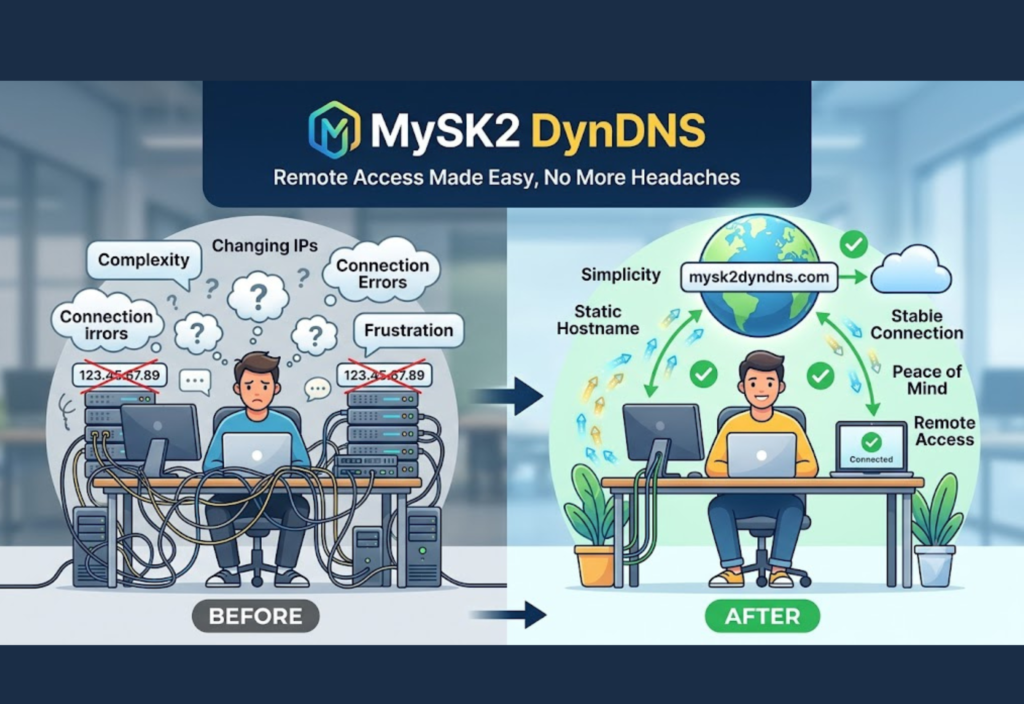
MySK2 DynDNS is a Dynamic DNS (DDNS) service that helps users access their home or office devices remotely even when their internet IP address keeps changing. Instead of relying on a constantly changing numeric IP address, it connects your system to a fixed hostname that always stays the same.
This makes it easy to reach your home server, security cameras, NAS storage, or office network from anywhere in the world. A dynamic DNS solution like this automatically updates your IP address in the background, so you never lose remote access.
Why Dynamic DNS Is Important
Most internet users do not have a static IP address. Internet Service Providers (ISPs) usually assign dynamic IP addresses that change periodically. When your public IP changes, remote connections stop working unless you manually update the new address.
Without a Dynamic DNS (DDNS) service:
- You must manually check your public IP address.
- Remote access stops working whenever the IP changes.
- Home servers become difficult to reach.
- Security cameras and NAS devices may become inaccessible.
- Remote desktop connections fail unexpectedly.
A service like MySK2 DynDNS solves this problem by linking your changing IP address to a permanent hostname. Instead of remembering a different IP each time, you simply connect using the same domain name.
How MySK2 DynDNS Works
The entire process is automatic and requires very little maintenance once configured.
Step 1: Your ISP Assigns a Dynamic IP
Your internet provider assigns your router a public IP address that may change over time.
Step 2: Router or DDNS Client Detects the Change
Whenever the IP changes, your router or DDNS client immediately detects it.
Step 3: Updated IP Is Sent to the DDNS Server
The software securely sends the new IP address to the MySK2 DynDNS servers.
Step 4: Hostname Is Updated Automatically
Your chosen hostname always points to your latest IP address.
Step 5: Remote Access Continues Normally
You continue accessing your devices using the same hostname without worrying about IP changes.
This automation removes the need to manually update settings every time your ISP changes your address.
Key Features of MySK2 DynDNS
Automatic IP Updates
Your public IP address updates automatically whenever it changes, ensuring uninterrupted remote access.
Easy Remote Access
Use a simple hostname instead of remembering long numeric IP addresses.
Wide Router Compatibility
Most modern routers include built-in support for Dynamic DNS services.
Supports Multiple Devices
Connect to home servers, NAS systems, IP cameras, smart home devices, and office networks.
Reliable Connectivity
The hostname always points to your latest IP address, reducing downtime.
Beginner-Friendly Setup
Most users can complete the setup in just a few minutes.
Common Use Cases
Dynamic DNS is useful in many everyday situations.
Home Security Cameras
Monitor CCTV and IP cameras remotely from anywhere.
NAS Storage Access
Access personal files stored on Synology, QNAP, or other NAS devices.
Remote Desktop
Connect to your home or office computer securely while traveling.
Personal Web Servers
Host websites or web applications from your own network.
Smart Home Systems
Manage IoT devices remotely through a stable hostname.
Game Servers
Host multiplayer game servers without needing a static IP.
File Sharing
Share documents and media with authorized users through your home server.
Whether you’re a homeowner, developer, or small business owner, DDNS makes remote connectivity much easier.
How to Set Up MySK2 DynDNS
Setting up MySK2 DynDNS is straightforward.
Step 1: Create an Account
Sign up for a MySK2 DynDNS account and choose a hostname such as:
home.example.comStep 2: Access Your Router
Open your router dashboard by entering an address like:
192.168.1.1or
192.168.0.1Step 3: Enable Dynamic DNS
Navigate to the DDNS settings section.
Enter:
- Username
- Password
- Hostname
- DDNS provider
Step 4: Save Settings
Save the configuration and restart your router if necessary.
Step 5: Test Remote Access
Connect to your hostname from another internet connection to verify everything works correctly.
Benefits of Using MySK2 DynDNS
No Need to Track Your IP
You no longer have to search for your current public IP address.
Reliable Remote Connectivity
Your hostname remains the same even when your IP changes.
Lower Cost
Most users can avoid paying extra for a static IP address.
Easy Configuration
Many routers already support Dynamic DNS without additional software.
Better Productivity
Developers and remote workers can securely access resources from anywhere.
Security Tips for Safe Remote Access
Remote access should always be protected with proper security practices.
Use Strong Passwords
Choose unique passwords that include letters, numbers, and symbols.
Enable Firewall Protection
Keep your router firewall enabled to block unauthorized access.
Update Router Firmware
Install firmware updates regularly to fix security vulnerabilities.
Limit Open Ports
Only open the ports that are absolutely necessary.
Use a VPN
A Virtual Private Network provides an extra layer of encryption and protection.
Enable Two-Factor Authentication
If available, enable 2FA for additional account security.
Following these recommendations helps protect your network against unauthorized access.
Common Issues and Solutions
IP Address Not Updating
Possible Causes
- Incorrect DDNS login credentials
- Router configuration errors
- Internet connectivity problems
Solution
Verify your DDNS account information and router settings.
Unable to Connect Remotely
Possible Causes
- Missing port forwarding
- Firewall restrictions
- Incorrect hostname
Solution
Review your firewall rules and port forwarding configuration.
DNS Update Delay
Sometimes DNS changes require a few minutes to propagate across the internet.
Simply wait several minutes before testing again.
Hostname Not Resolving
Check that your DDNS client is actively updating your IP address and confirm that your subscription or account is active.
MySK2 DynDNS vs Static IP
MySK2 DynDNS
- Cost: Low
- Setup: Easy
- IP Changes: Automatic updates
- Remote Access: Yes
- Best For: Home users and small businesses
- Maintenance: Very low
Static IP
- Cost: High
- Setup: Moderate
- IP Changes: Never changes
- Remote Access: Yes
- Best For: Enterprise networks
- Maintenance: Minimal
For most home users and small businesses, a Dynamic DNS service offers the best balance between affordability and convenience.
Who Should Use MySK2 DynDNS?
MySK2 DynDNS is suitable for:
- Home users
- Remote workers
- Small businesses
- IT professionals
- System administrators
- Software developers
- Network engineers
- Security camera owners
- NAS users
- Self-hosting enthusiasts
Anyone who needs reliable remote access without paying for a static IP can benefit from using a DDNS service.
Frequently Asked Questions
What is MySK2 DynDNS?
MySK2 DynDNS is a Dynamic DNS service that automatically updates your hostname whenever your public IP address changes.
Is Dynamic DNS free?
Some DDNS providers offer free plans, while others provide premium features through paid subscriptions.
Do I need a static IP?
No. Dynamic DNS is specifically designed for internet connections with changing IP addresses.
Can I use it with security cameras?
Yes. Many users configure DDNS to remotely monitor IP cameras and CCTV systems.
Does every router support DDNS?
Most modern routers include built-in Dynamic DNS support, although available providers may vary.
Final Thoughts
MySK2 DynDNS (or any reliable Dynamic DNS service) is an excellent solution for maintaining uninterrupted remote access without paying for a static IP address. It automatically updates your changing public IP, allowing you to connect to your home server, NAS storage, IP cameras, remote desktop, or office network using a permanent hostname.
Whether you’re managing personal devices, running a small business, hosting applications, or monitoring security systems, MySK2 DynDNS provides a simple, affordable, and dependable way to stay connected from anywhere in the world. By combining proper DDNS configuration with strong security practices, you can enjoy convenient and secure remote access throughout 2026 and beyond.

